Aug 13
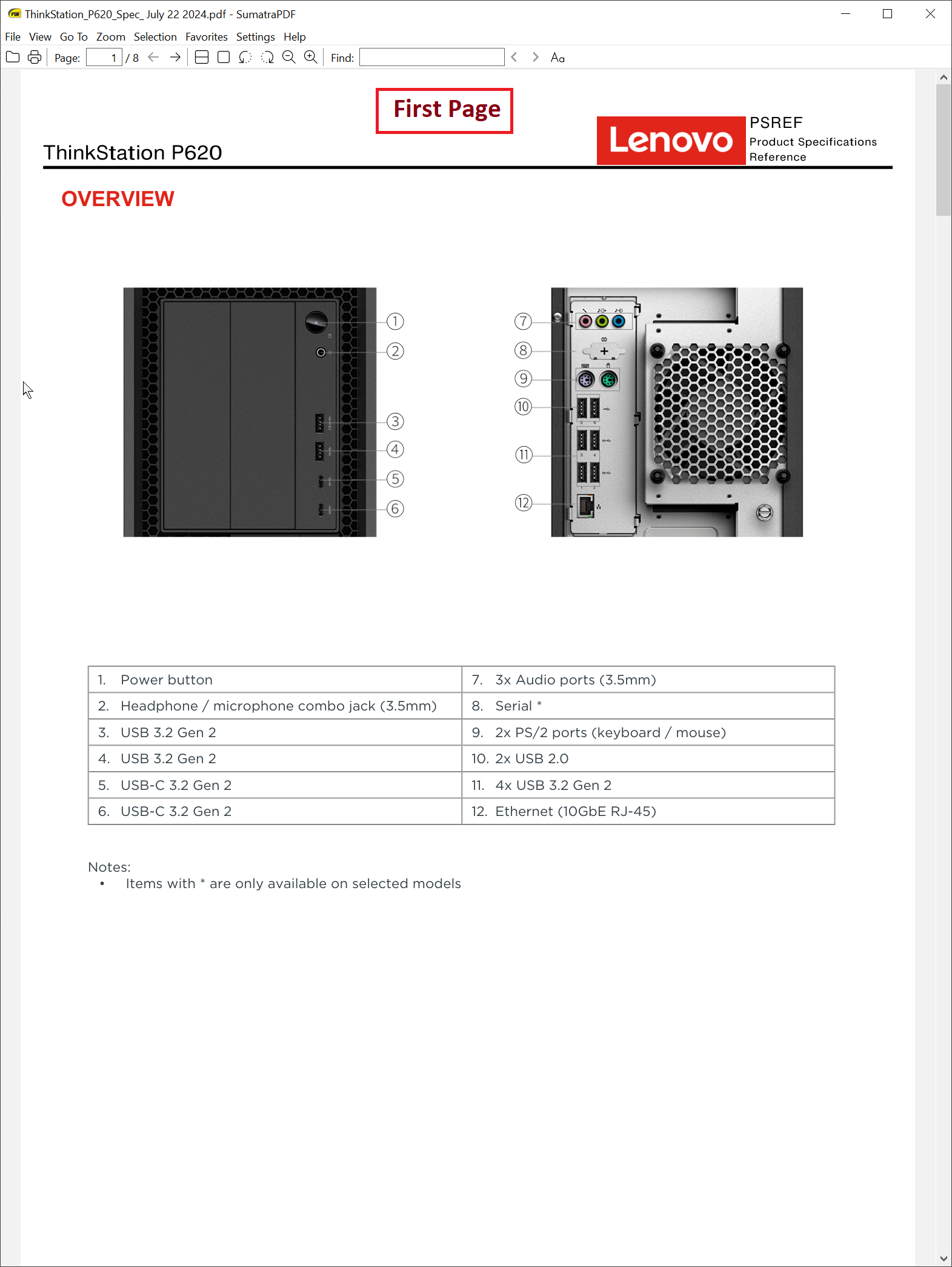
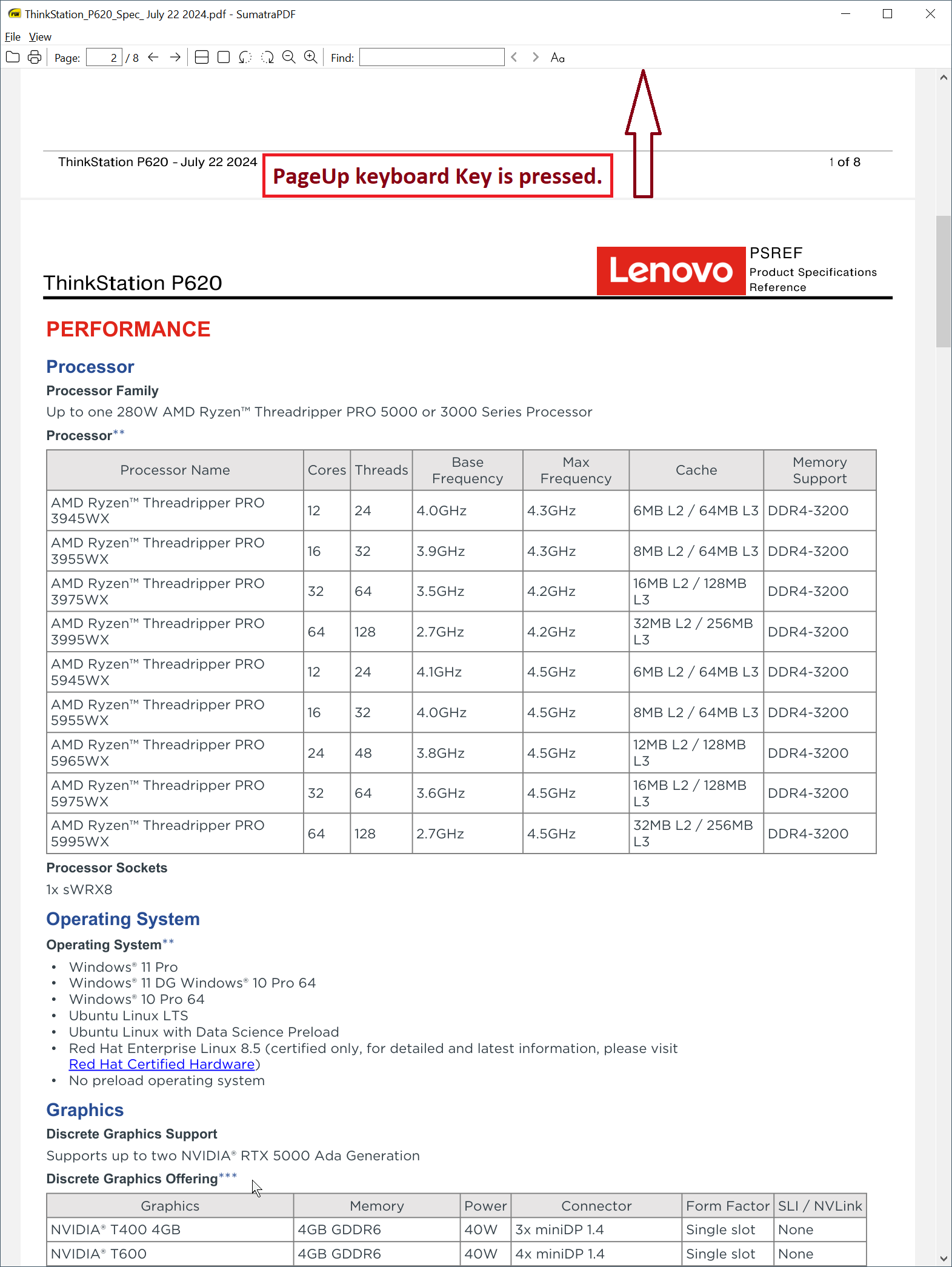
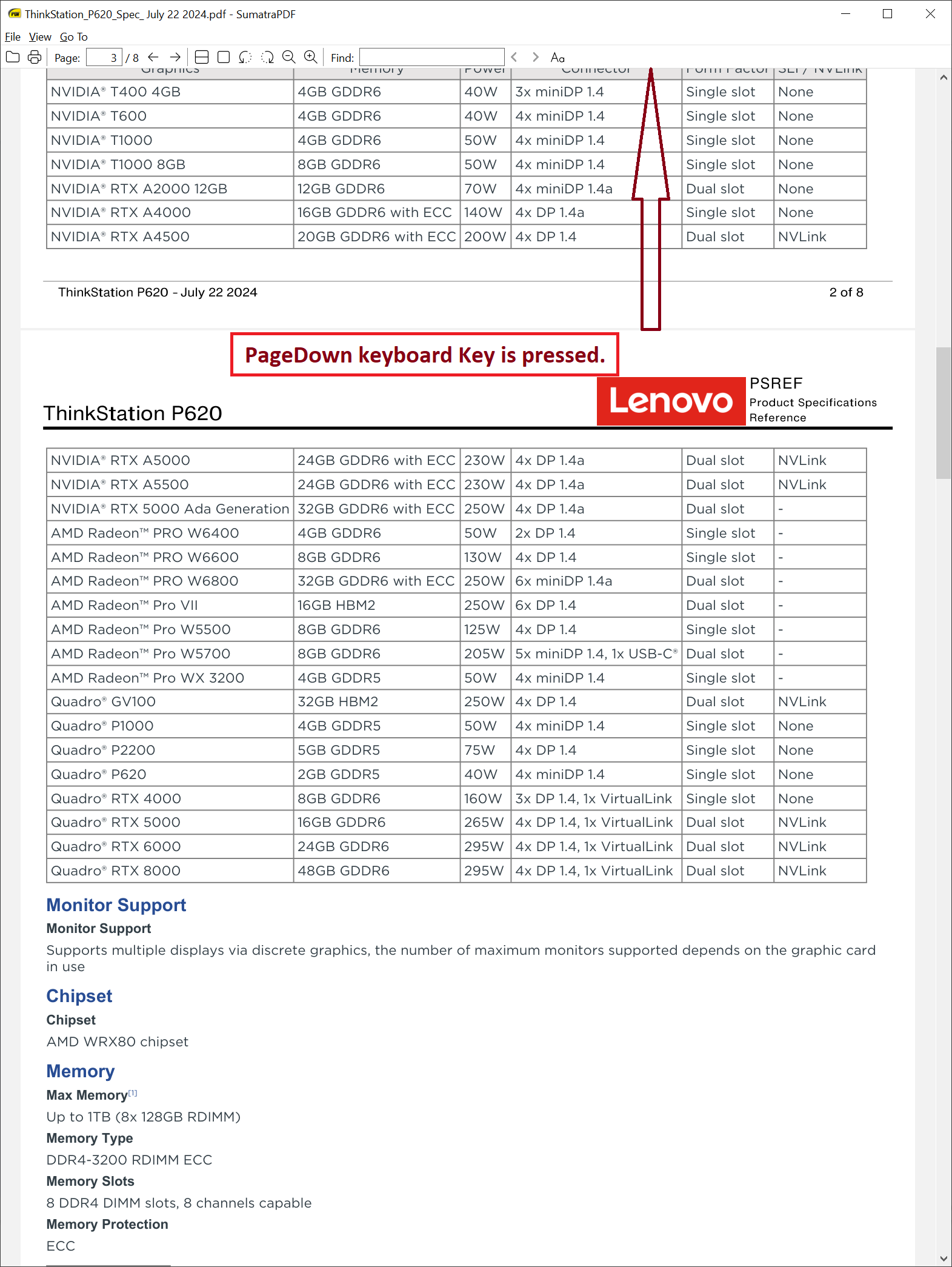
When clicking the PageDown and PageUp keys of the Keyboard, SumatraPDF should always show the top of the page.
I customized SumatraPDF's Advanced Settings (so it does NOT get changed at all) to have a Setting of
DefaultZoom = 124
which displays the page (8.5 inch x 11 inch) 100% on a 34 inch LCD monitor. If the document is multi-page and I press the PageDown or PageUp key, the next page is not displayed at the top of the page. If this is a settings key, I don't know what it is. If this is not a settings key, can the new feature be implemented as an Advanced Settings key?
Closed
Please use https://github.com/sumatrapdfreader/sumatrapdf/discussions for this