SumatraPDFS
SumatraPDF
Aug 8

Scrollable tabs bar

When more than a dozen documents are open, especially if Sumatra isn't maximized, tabs get squeezed and become almost unusable (title unreadable, hard to click). I'd like to have the tabs respect a minimum specified width, and scroll horizontally if they don't fit.
ClosedClosed

Aug 12, 2024

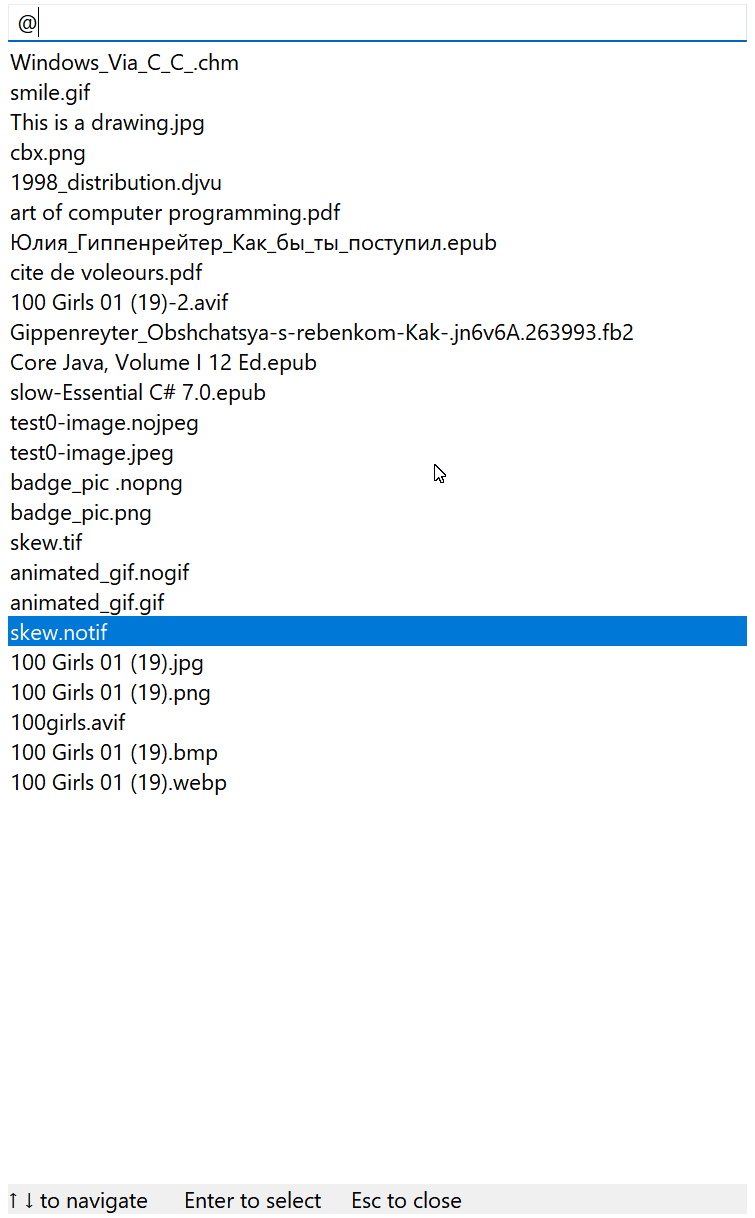
In latest pre-release you can do `Ctrl + Tab` and then `Space` for sticky mode or `Ctrl + K` and `@` for list of tabs

Sep 23, 2023

It's not the exact same thing but I believe better: in latest pre-release (https://www.sumatrapdfreader.org/prerelease) use `Alt + K` for command palette navigation between tabs. You get a list of all tabs in a window, can navigate with up / down cursor, Enter to switch to the tab, Esc to close the window and you can match file by name with matching by search term